

guide to edit videos for social media 👇
1️⃣ Choose the Right App
For mobile (best for beginners):
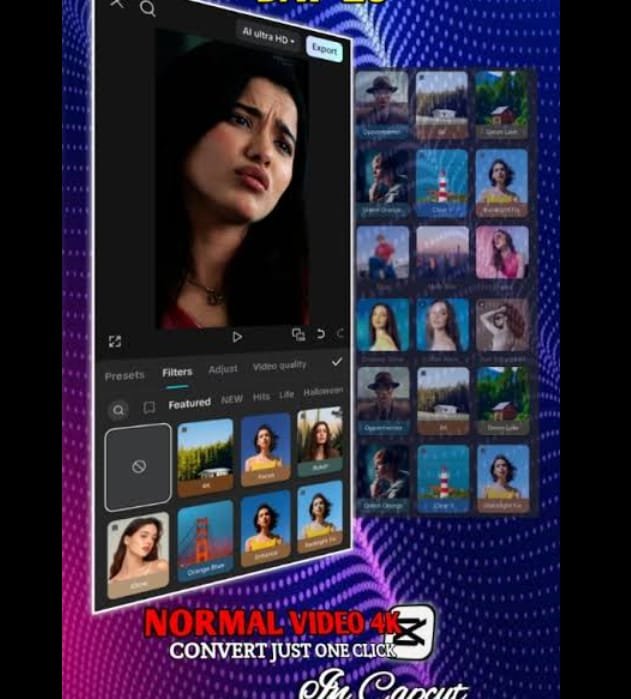
CapCut ✅ (Free & very popular)
InShot
VN Editor
For PC/Laptop:
Adobe Premiere Pro
Filmora
👉 Recommendation: CapCut (mobile + PC)
2️⃣ Select Correct Video Size (Very Important)
Each platform has its own size:
Instagram Reels / TikTok / Shorts
📱 9:16 (Vertical)
Facebook Video
📱 4:5 or 1:1
YouTube Video
🖥️ 16:9 (Horizontal)
3️⃣ Basic Editing Steps
✂️ Trim unwanted parts
🔀 Cut long clips into short scenes
🔄 Rearrange clips for better flow
👉 Keep video short & engaging (7–30 seconds is best)
4️⃣ Add Text & Captions
Use short, bold text
Add text in first 3 seconds (hook)
Keep font simple & clean
Example:
“Wait till the end 😱”
5️⃣ Add Music & Sound Effects
Use trending music (very important for reach)
Lower music volume (10–20%) if voice is present
Add small sound effects for transitions
6️⃣ Effects & Transitions (Don’t Overdo)
Use smooth transitions
Add light effects only
Avoid too many filters ❌
7️⃣ Color Correction
Increase brightness & contrast
Slightly boost saturation
Make skin tone natural
8️⃣ Add Subtitles (Highly Recommended)
Many people watch without sound
Auto-caption feature in CapCut is best
Use Urdu or English depending on audience
9️⃣ Export Settings
Resolution: 1080p
FPS: 30 or 60
Quality: High
🔥 Pro Tips for More Views
Hook in first 2 seconds
Use trending hashtags
Post at active time
Keep it simple & emotional
Edition of videos for social media
Previous article

Next article